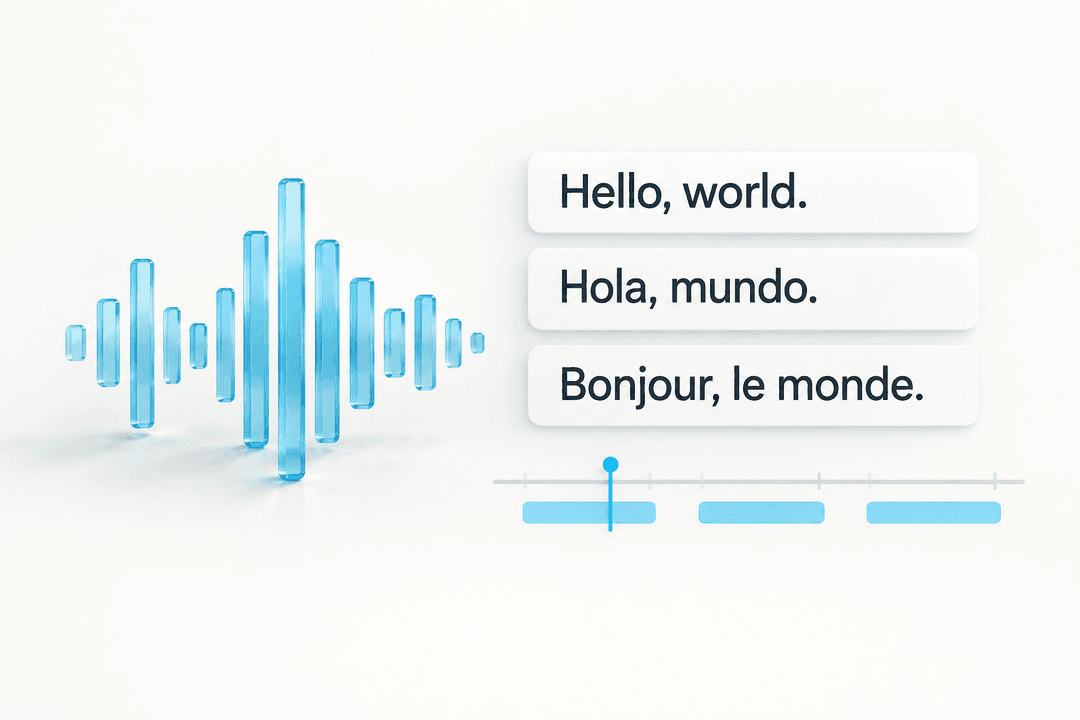
Editable captions in 40+ languages
Upload any video and generate timestamped captions in Roman Urdu, Hindi, Arabic, Persian, Spanish, French, German, Japanese, and more. Review mixed-language speech, names, and local terms before exporting.
Use the auto caption generator to upload a video and generate timestamped captions in 40+ languages, including Roman Urdu, Hindi, Arabic, Persian, and more. Powered by AI.
Free to use • No sign-up required • By using AutoCaption, you agree to our Terms and Privacy Policy.
Every template on the same clip, with the same spoken words — the only way two styles side by side tell you anything.
Upload any video and generate timestamped captions in Roman Urdu, Hindi, Arabic, Persian, Spanish, French, German, Japanese, and more. Review mixed-language speech, names, and local terms before exporting.
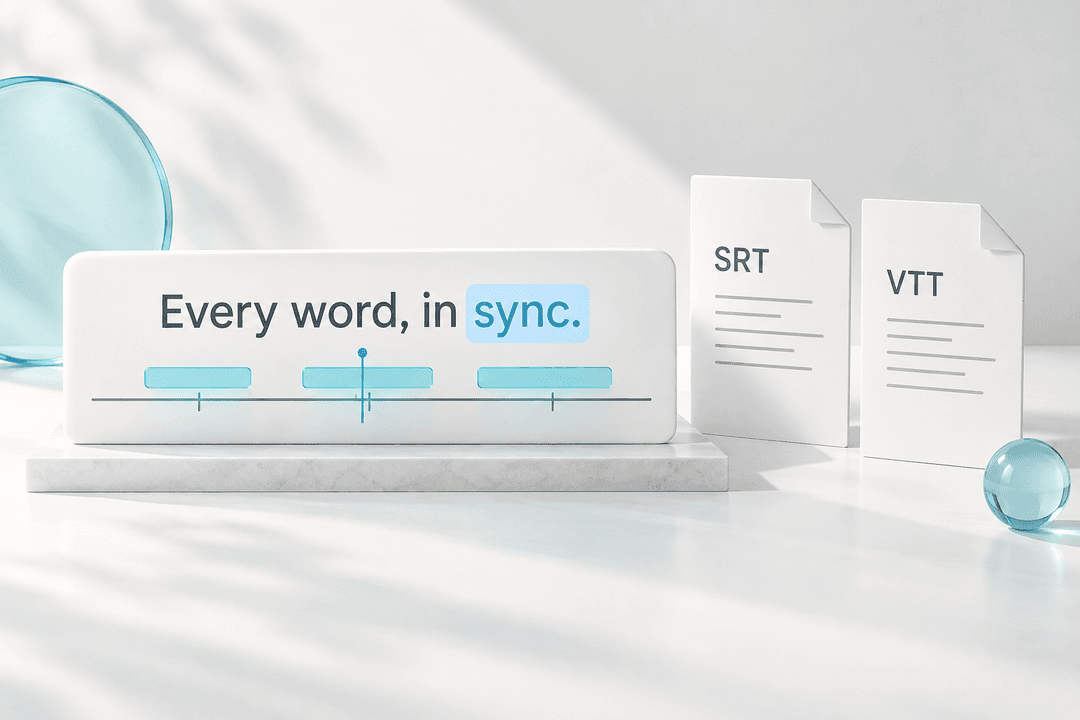
Review and edit every caption in a synchronized timeline editor. Download SRT or VTT subtitle files, or use styled video export when the publishing channel needs visible captions.
Caption tools
Choose a language, platform, or subtitle-file task first. Each tool leads back to the same editable caption generator when you need to upload a video.
Upload a video, generate editable captions, review the transcript, and export caption files or a captioned video.
Open toolHormozi, MrBeast, karaoke and text-behind-subject, specified down to the font, colour and motion.
Open toolReframe a 16:9 video to 9:16, 4:5 or 1:1 with a crop that follows the person, then caption it in the same edit.
Open toolPick a frame from your video, put the headline behind you, and download a 1280×720 thumbnail or 9:16 cover.
Open toolUrdu, Hindi, Punjabi, Sindhi, Pashto, Bengali, Tamil, Malayalam and Kannada each fail differently.
Open toolCreate editable Roman Urdu captions for creators publishing mixed Urdu and English speech.
Open toolGenerate Urdu-script subtitles, and know why the player, not you, picks Nastaliq or Naskh.
Open toolGenerate Kannada subtitles and measure the line length in aksharas, not code units, which run about double.
Open toolGenerate Gujarati subtitles and check the numerals, which are where drafts drift most often.
Open toolGenerate Telugu subtitles and check the vertical fit, which a character count cannot measure.
Open toolGenerate Marathi subtitles and catch the places a draft drifts toward Hindi, which shares the script.
Open toolGenerate Malayalam subtitles and handle the long compound words that break recognition and line length.
Open toolGenerate Tamil subtitles and choose between spoken and formal written Tamil before you review.
Open toolGenerate Bengali subtitles and check the conjuncts render correctly in the player your audience uses.
Open toolGenerate Pashto subtitles and review the words where Peshawar and Kandahar pronunciation diverge.
Open toolGenerate Sindhi subtitles and check the consonants that Urdu-trained tools substitute, then export.
Open toolGenerate Punjabi captions in Shahmukhi for Pakistan or Gurmukhi for India, then review and export.
Open toolCaption Hindi-English speech, settle one spelling for the words you repeat, and export an SRT file.
Open toolPrepare short-form captions for TikTok videos with editable text, timing review, and export options.
Open toolGenerate and style captions for Reels before publishing to mobile-first feeds.
Open toolCreate captions for vertical Shorts and keep a subtitle file for reuse across other channels.
Open toolConvert SRT subtitle files into WebVTT for web players, QA handoff, and caption archives.
Open toolConvert WebVTT subtitle files into SRT for editors, social platforms, clients, and archives.
Open toolGenerate timed captions from video, translate them into another language, then review before export.
Open toolConvert styled ASS or SSA subtitles to SRT, keeping timing and wording and dropping what SRT cannot carry.
Open toolConvert the .sbv file YouTube Studio downloads into SRT, or back again, without changing the text.
Open toolStrip cue numbers and timestamps from a subtitle file to get a plain reading transcript.
Open toolShift every cue by an offset or rescale for a frame-rate change when captions run out of sync.
Open toolRe-break subtitle lines to a character limit, at sentence and clause boundaries, without touching timing.
Open toolStack two languages into one dual subtitle file, or join two parts of a split video.
Open toolFind and replace across every cue, and catch words your file spells more than one way. Timing never moves.
Open toolCheck a subtitle file for overlapping cues, backwards timing, long lines, and reading speed.
Open toolCaption guides
Read workflow notes on AI captioning, social edits, podcast clips, UGC demos, subtitle files, and caption layout before you upload your next video.
YouTube exports .sbv, which almost nothing else reads. The four differences from SRT, a worked example, and why the round trip is lossless.
Read guideTwo subtitle files never share cue boundaries, so pairing by line number drifts. Match on time overlap, and expect stacked captions to fill the line budget.
Read guideWhat ASS to SRT conversion discards, and the two faults that corrupt the result: assumed column order, and centisecond timestamps read as milliseconds.
Read guideCaptioning tools give you Tamil script or garbled English. Romanised Tamil runs 1.5 to 2 times longer per line, has no standard spelling, and needs the ta-Latn tag.
Read guideNot Urdu, which implies Nastaliq, and not English. The script subtag has answered this for years: ur-Latn for Roman Urdu, hi-Latn for romanised Hindi.
Read guideYouTube accepts SRT, VTT, SBV and thirteen others, and strips styling from all of them. Which one to upload, why ASS is refused, and when a richer format pays off.
Read guideIt is automatic dubbing, on by default since February 2026. Why your captions arrive in a language you did not pick, and what you can and cannot turn off.
Read guideAutomatic captions transcribe speech and nothing else. The speaker, the sounds that matter and the tone are a manual pass with settled conventions.
Read guideGarbled letters and stray markup look similar and have nothing in common. How to tell encoding faults from escaping faults, and why SRT and WebVTT disagree.
Read guideUrdu and Arabic subtitle files hold no direction at all. What that means for line breaking, character limits, punctuation and fonts.
Read guideAutomatic captions transcribe words, not speakers. How WebVTT marks who is talking, what SRT can do instead, and what conversion does to both.
Read guideCaptions covered by platform buttons? SRT has no positioning syntax at all. WebVTT does, and converting to SRT throws it away for good.
Read guideMost subtitle tools count code units, not what a reader sees. Kannada measures at double. What grapheme counting fixes, and what it does not.
Read guideRoman letters or Devanagari changes who can read your captions, how consistent the spelling is, and the reading speed of every cue. How to choose.
Read guideA shipped SRT has been proofread once already. Strip the timing, pick the right shape for show notes or an article, and keep one source of truth.
Read guideTranslation keeps every timestamp but changes how much text sits in each cue. What to re-check after translating, and what never to translate.
Read guideGarbled subtitle text is almost always the wrong character encoding. How to save as UTF-8, why BOM matters, and the mistake that makes it permanent.
Read guideCharacters per second explained, the limits Netflix publishes, why short-form video needs shorter lines, and how to bring a fast caption down.
Read guideThree faults look identical and need different fixes. Diagnose a constant offset, frame-rate drift, or a few broken cues, then correct the file.
Read guideYouTube's automatic captions do not cover Urdu, so the track has to come from you. Pick Urdu script or Roman Urdu, upload it in YouTube Studio, then review it.
Read guideReels and TikTok ignore a subtitle file, YouTube and web players want one. How to decide per destination and keep a single editable source.
Read guideStop typing Roman Urdu caption lines one by one. Review a Latin-script SRT first, import it into CapCut Desktop or Web, then style and sync the caption blocks.
Read guideWhat to automate in an AI caption workflow, five file-level faults we found testing our own subtitle tools against the specs, and what still needs a person.
Read guideA step-by-step social media video editing workflow for master cuts, vertical framing, caption review, platform versions, team handoff, and export.
Read guideReuse the long video’s caption file instead of re-transcribing: keep the cues in range, shift them by the clip start offset, then re-wrap for the vertical frame.
Read guideA caption review workflow for turning podcast clips into readable social videos with speaker names, line breaks, and export checks.
Read guideA practical checklist for choosing a video caption app: editable drafts, timing review, export formats, and repeatable styles.
Read guideCaptions and subtitles differ by what the text contains. Open and closed differ by how it reaches the screen. Neither answers whether it was auto-generated.
Read guideLearn when to export SRT or VTT for YouTube, Vimeo, HTML video, client handoff, and archives, with syntax and review checks.
Read guideWhere to put a caption line break in vertical video: a ranked order of break points, the 32 character limit, and the case where no break works.
Read guideA caption review workflow for UGC product demos, with product-term checks, safe-zone placement, mixed-language review, and brand handoff exports.
Read guideAutoCaption.app
AutoCaption.app is the website for AutoCaption, a browser-based AI caption generator for creators and teams publishing captioned video.
You can upload a video, generate editable timestamped captions, review the text, style subtitles, and export subtitle files such as SRT or VTT.
Yes. AutoCaption supports 40+ target languages, including Roman Urdu, Hindi, Arabic, and Persian, with an editable workflow for mixed-language speech.
For auto captions or an AI caption generator, start with the auto caption generator at /caption. If you need to compare free and paid export options first, review the pricing page at /pricing.
Open the auto caption generatorAutoCaption is the caption generation app at autocaption.app, built for creators, agencies and brands. The workflow transcribes video, detects mixed-language speech, and produces editable timestamped captions in 40+ languages. Free to use, no sign-up required.